From Excel to one production planning workflow.
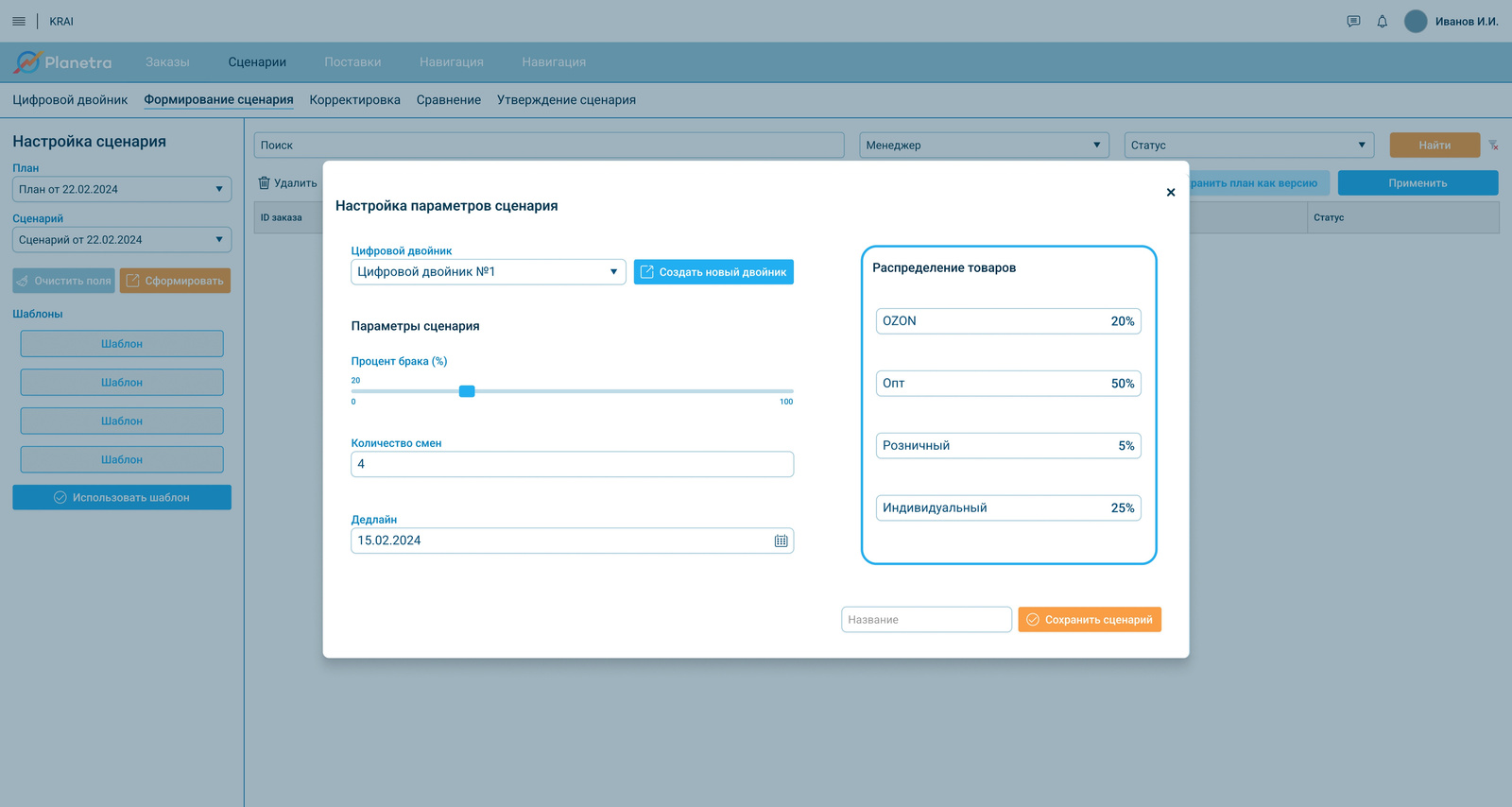
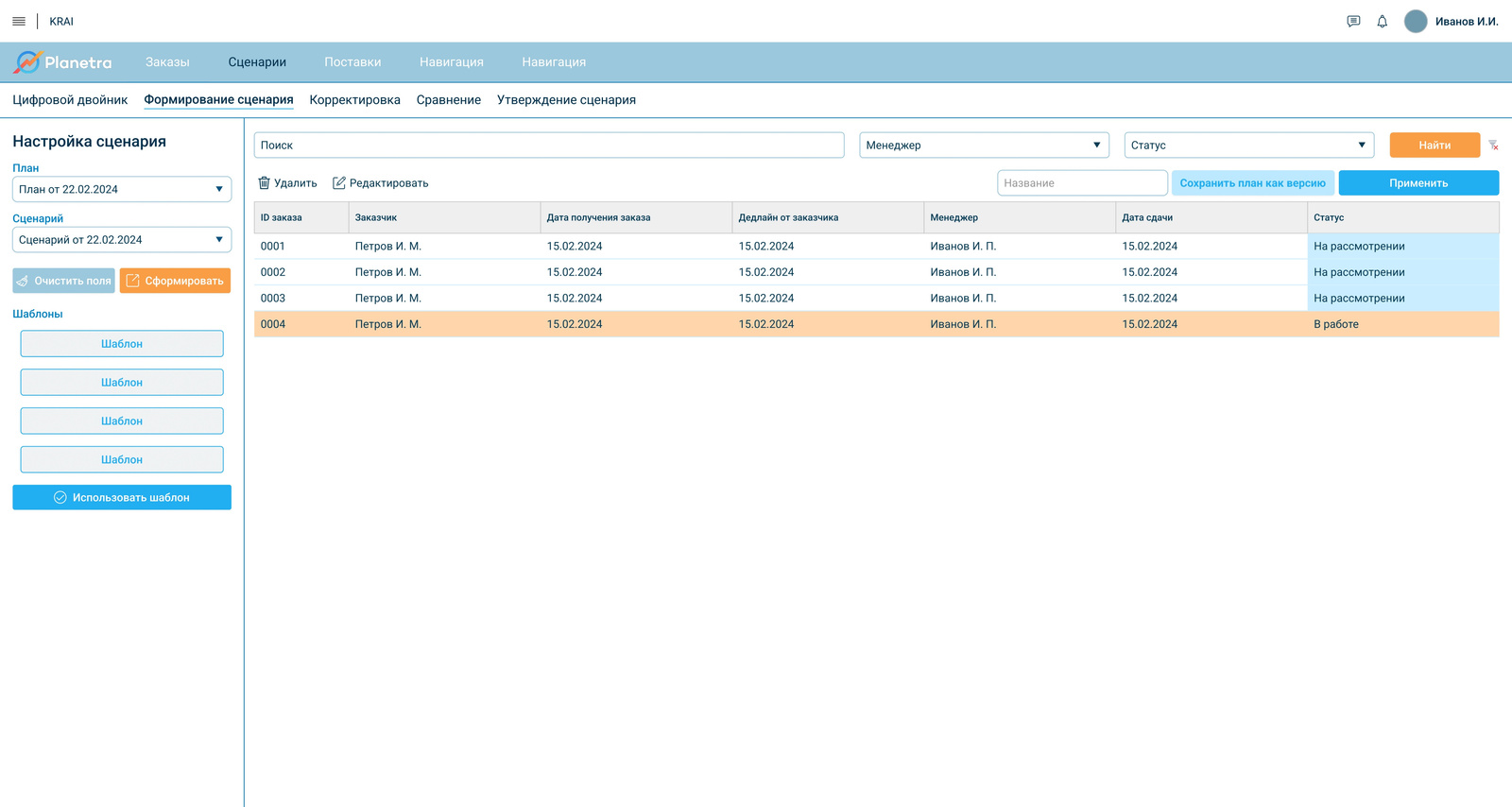
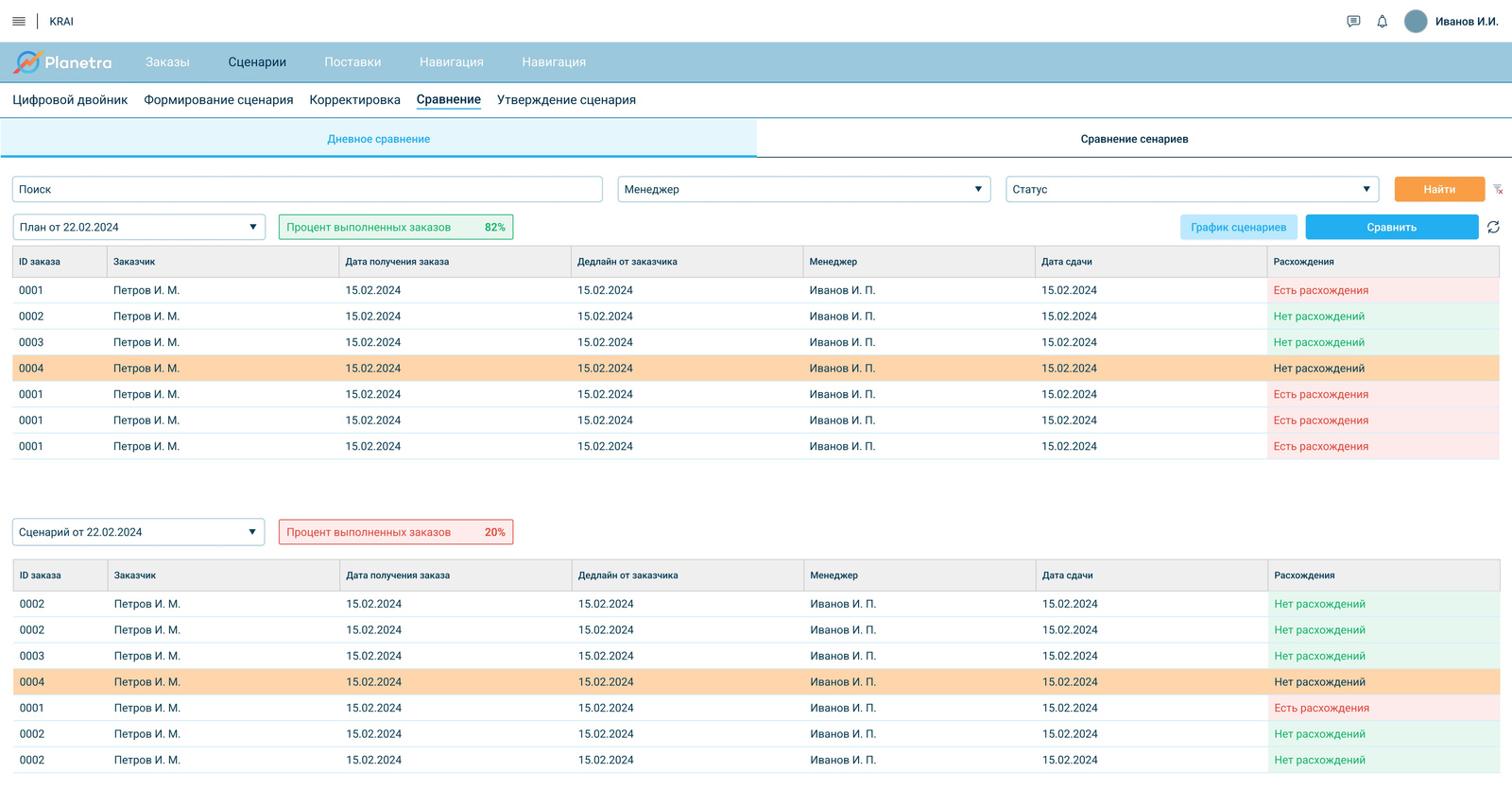
I designed and built a demo system connecting orders, production plan options, approval and execution tracking.
- Product
- Production planning system
- Industry
- Footwear manufacturing
- My role
- UX/UI Designer · Low-code Developer
- Team
- Business analyst, project manager, development lead, client representatives
- Project status
- Demo + initial training
Planning lived in Excel and depended on several roles.
To prepare a plan, employees had to manually match orders with materials, production capacity, shifts and deadlines. Information was spread across different places while several roles participated in the process.
Bring the process into one clear product.
The system needed to support one understandable flow: receive an order, prepare plan options, select an option and then track the approved plan.
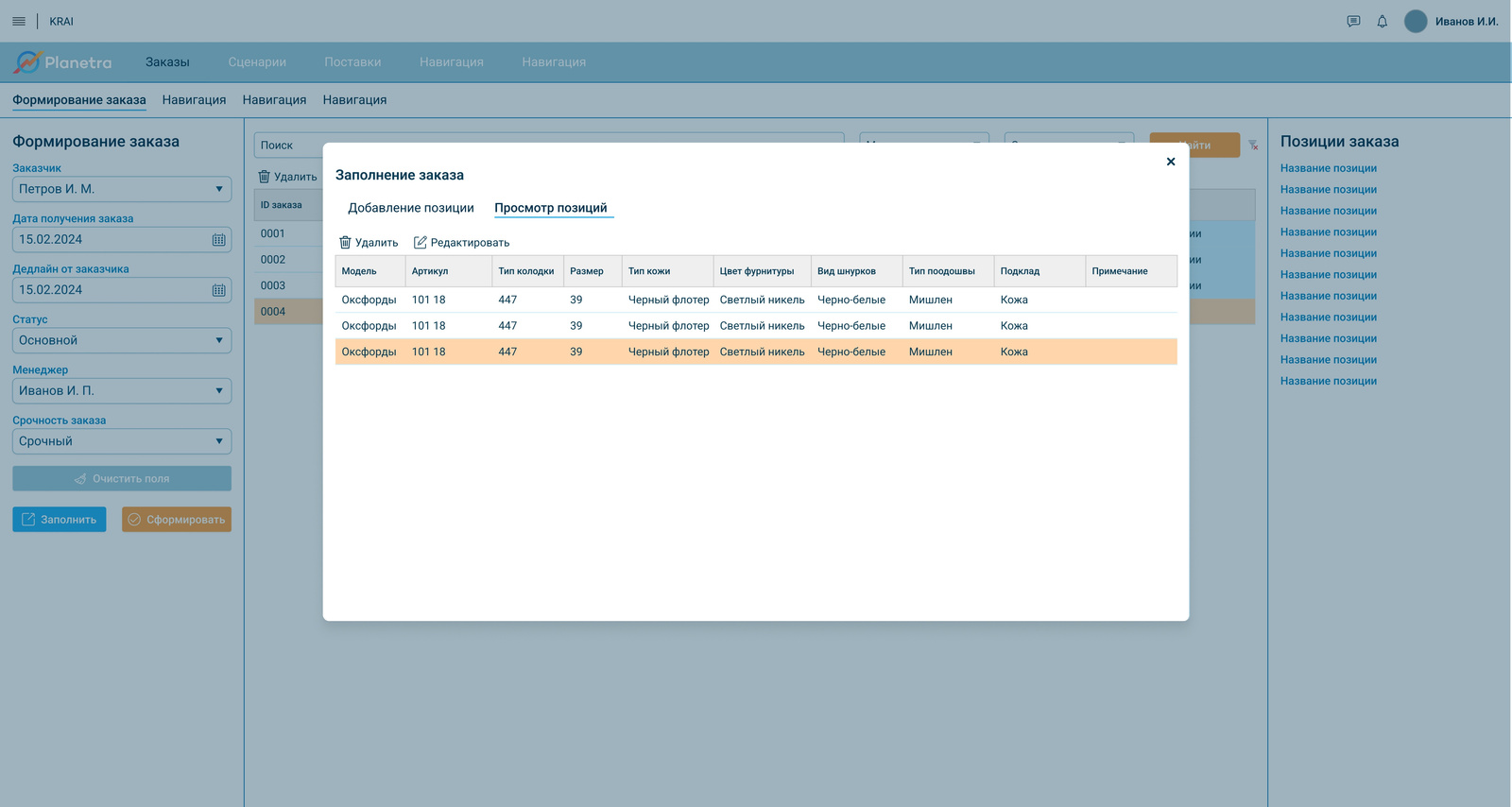
From user flow to a working demo.
Together with the team, I discussed requirements with the client, translated the process into user steps and created wireframes and prototypes in Figma.
After approval, I implemented the interfaces in Knowledge Space: pages, forms, tables, navigation and role-based access. I then tested the flows and adjusted them based on feedback.